Apply Permissions to Custom UI Links / Actions in SharePoint Menus and Settings Pages
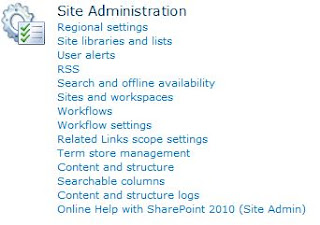
This post explains how to incorporate permissions into custom links and actions added to the UI on menus, toolbars and default layout pages such as the Site Settings page in SharePoint 2010 . Examples included in the post are: Restricting custom links on list settings pages to only site collection administrators Adding custom actions to the Document Library dropdown menu (ECB - Edit Control Block) that are displayed only to users with edit permissions on the document. Displaying a link on the Site Actions menu only to users with access to manage permissions for the current site. Displaying a custom link on the List Actions menu for users with access to manage the list. Display a link on the Site Settings page of a site to users with access to add and customise pages on the site, as well as apply themes and stylesheets to the site (Site Designers).
